ICELED Stand Alone Mode
All Iceled light sources have a simple three-wire connection with standardized color coding: The red wire is battery supply (+12VDC), the green wire is supply return (i.e. chassis or battery - terminal) and the blue wire carries Iceled color data.

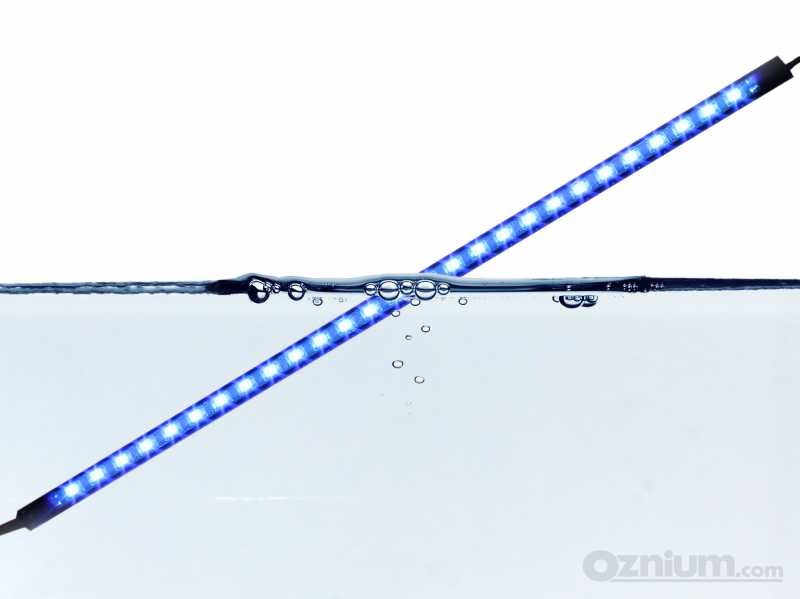
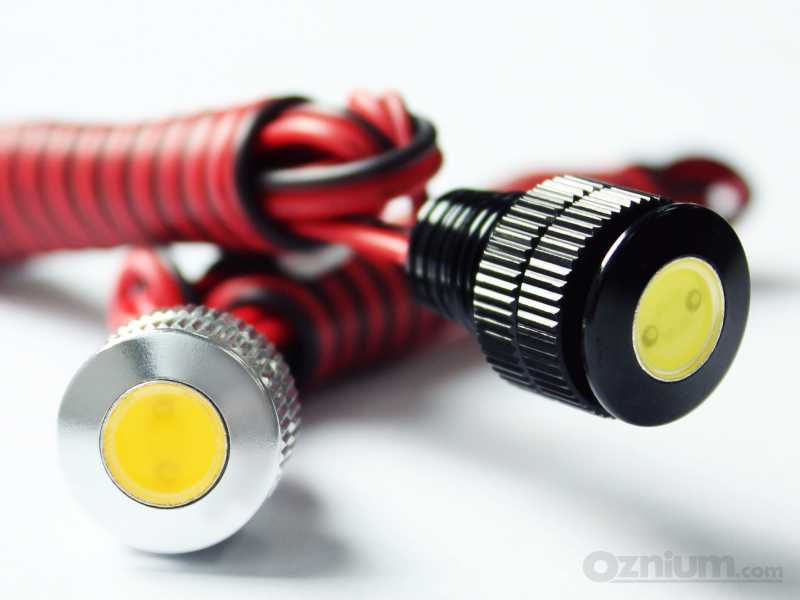
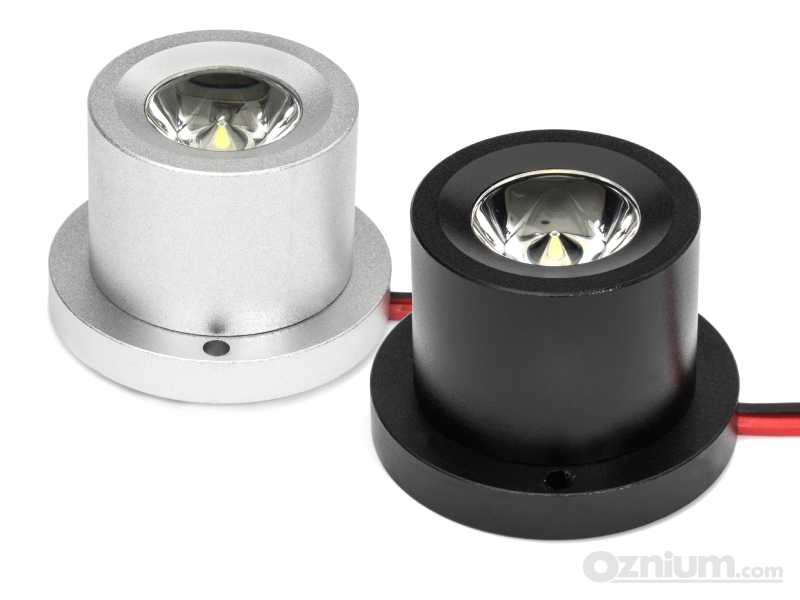
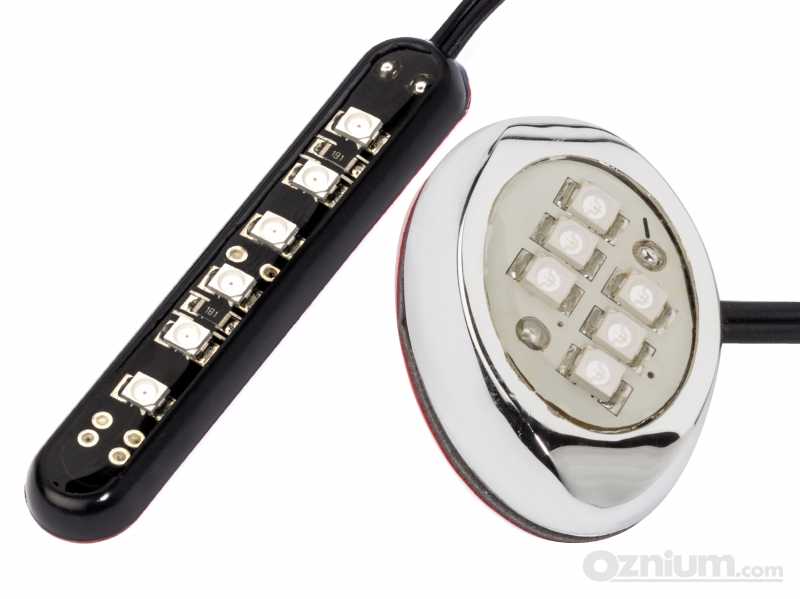
The blue data wire is normally connected to an Iceled controller (such as UFO) in order to instruct the light source to emit a particular color. Certain products such as Iceled Gem, Spot, Flood, and One-foot tubes, can also be used without a controller. If no data is present when the power is applied, then these devices will all start running an internal program designed to provide as much functionality as possible with only the interruption of the supply voltage as a control system.
The built-in program runs through these four phases labeled A to D:

| Phase | Description |
| A | Rapid fade-up to peak intensity white following the connection to the power source |
| B | Hold on peak white |
| C | Gentle transition from peak white to the color change phase |
| D | Color phasing - cycles seamlessly through the visible spectrum until power disconnected |
Freezing the color At any time, the program may be halted by briefly switching the power supply off then back on (within less than a second). This simple action allows the light source to be frozen on any particular color (or white) just by toggling the switch controlling power to the device. A single flash from the LED's provides acknowledgment that this command has been accepted.
Un-freezing The light source will remain frozen on the chosen color until the next time it is switched off. Once again, if the supply is interrupted for less than a second, the program will resume from where it left off (acknowledged by two flashes) If switched off for any longer, the program will resume from the start the next time it is powered up.
Wiring Options In stand-alone applications the unused blue wire should be connected along with the green wire to chassis. In the case of plug'n'play Gem it is sufficient to leave the optional cable harness disconnected. In certain installations it will also be possible to power the light source independently but still connect the data wire to a controller such as UFO. In this case, the light source will follow UFO when operational (providing the device is also powered) or run the stand-alone program when UFO is off.


Car Lighting
Installation
Other Products