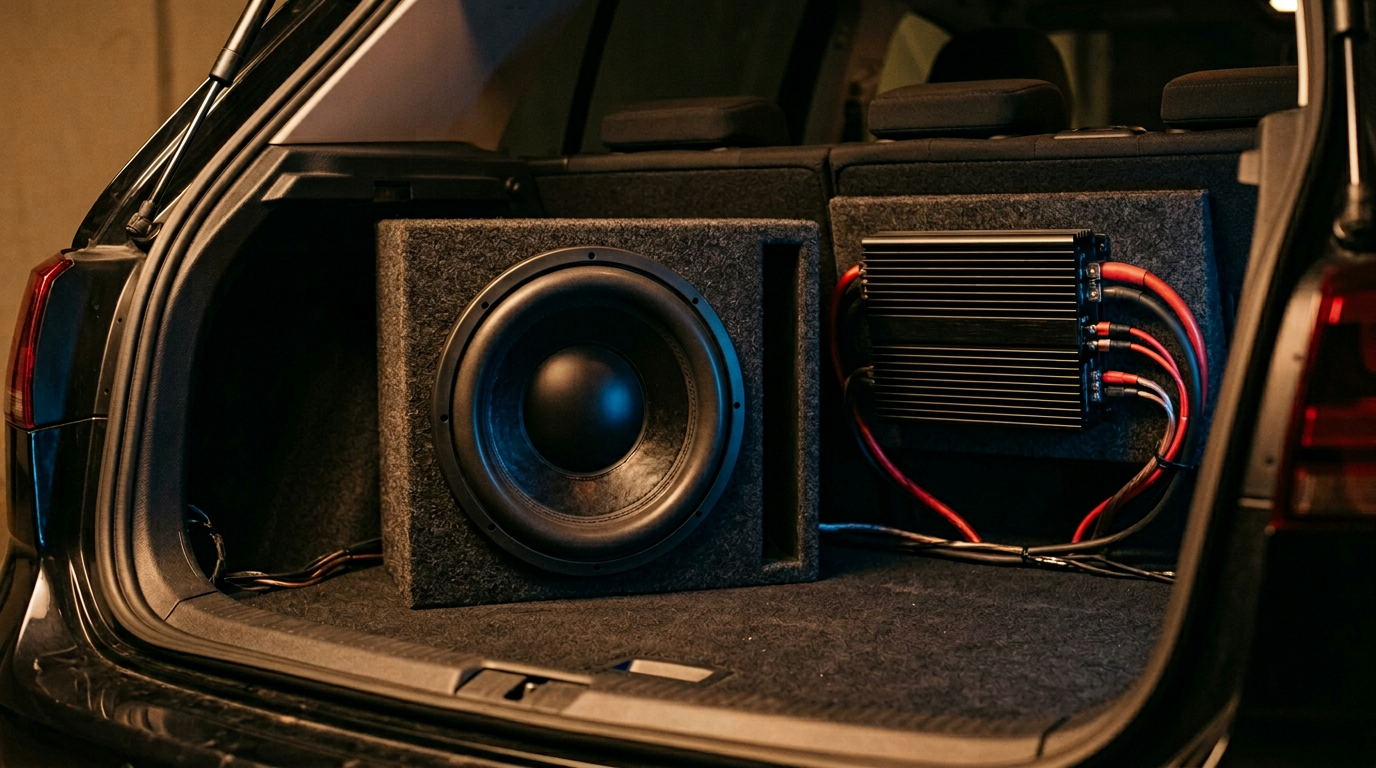
Why do my subs hum?
A constant hum or buzz coming through your subwoofers is almost always a ground loop, a noisy power feed, or an input-signal problem. The hum itself is usually 60 Hz (or a 120 Hz harmonic) picked up from the vehicle’s electrical system and amplified along with your music. The good news is that the cause is almost always one of a short list of things, and each one has a fix.
Here are the most common causes and how to chase them down, roughly in the order you should check.
1. Ground loop between the head unit and the amp
This is by far the most common cause. It happens when the head unit and the amplifier are grounded at different points on the chassis and there’s a tiny voltage difference between those points. That difference rides along the RCA shield and the amp amplifies it as hum.
- Ground the amplifier to clean bare metal on the chassis, as close to the amp as possible. Short, thick ground wire. Scrape paint and primer off the contact point.
- Use the same ground point family as the head unit where possible, or at least the same chassis rail.
- If the hum changes pitch with engine RPM (whine that speeds up as you rev), it’s almost certainly a ground loop picking up alternator noise.
- As a last resort, install a ground loop isolator inline on the RCA cables between the head unit and the amp. It’s a small inline transformer that breaks the DC path.
2. RCA cable routing
RCA cables are low-level signal lines. If they’re run next to your power cable, they’ll pick up noise.
- Run RCAs down one side of the vehicle and the amp power wire down the other side.
- Keep RCAs away from the ignition harness, the ECU, and any factory wiring bundles.
- Use good shielded RCAs. If you have cheap RCAs, swap them for a known-good set as a diagnostic step.
- Unplug the RCAs at the amp. If the hum stops, the noise is coming in through the signal path. If it continues, it’s a power or ground problem at the amp.
3. Power and ground at the amp
- Confirm the amp’s power wire is fused near the battery and is a proper gauge for the amp’s current draw.
- Check that the ground wire is the same gauge as the power wire and is as short as possible. A long, thin ground wire is a common hum source.
- Measure voltage between the amp’s ground terminal and the battery negative post with the engine running. More than about 0.2V means you have a bad ground.
4. Head unit as the source
Sometimes the hum is coming out of the head unit itself, especially if you’re using a cheap unit with a switching power supply, or if you’ve tapped the head unit’s power off a switched accessory line that’s shared with noisy loads (like fans or pumps).
- Pull the head unit’s power off a clean source, ideally the factory harness.
- Make sure the head unit’s chassis is grounded to a solid chassis point, not just the wire in the harness.
5. Aux, USB, and phone charger hum
If you plug your phone in and the hum starts, the charger is almost certainly the culprit. Cheap USB chargers and aux cables plugged into a charging phone are a notorious source of ground loop hum.
- Try the aux cable with the phone unplugged from the charger. If the hum goes away, it’s a USB ground loop.
- Use a ground loop isolator on the aux line, or switch to Bluetooth.
6. Failing sub, amp, or speaker wire
If everything above checks out, unplug the RCAs and short the amp inputs. If the hum is still there, the amp itself may be faulty. If the hum only appears on one channel, swap channels at the amp end to prove whether the problem is in the amp or in the sub/speaker wire downstream.
Quick diagnostic checklist
- Unplug the RCAs at the amp. Hum stops? It’s upstream (head unit, RCAs, or signal source). Hum continues? It’s the amp’s power or ground.
- Does the hum change with engine RPM? Alternator whine through a ground loop.
- Does it appear only when the phone is charging? USB ground loop.
- Is the amp ground short, thick, and on bare metal? Fix that first.